How to Resolve Order Issues
Occasionally you may encounter problems with your orders when trading on Binance TH We can divide these into two categories:
1. Your trade order is not executing
Check the selected order’s price in the open orders section. Verify whether or not it has matched a counter-party’s order (bid/ask) with this price level and volume.
If you would like to expedite your order, consider canceling it from the open orders section and submitting a new order at a more competitive price. For a quick settlement, you may also consider using a market order.
2. Your order has a more technical issue
Issues like the inability to cancel your orders or coins not being credited to your account require further support. Please contact our Customer Support team and provide screenshots that’ll document:
The order’s details
Any error code or exception message
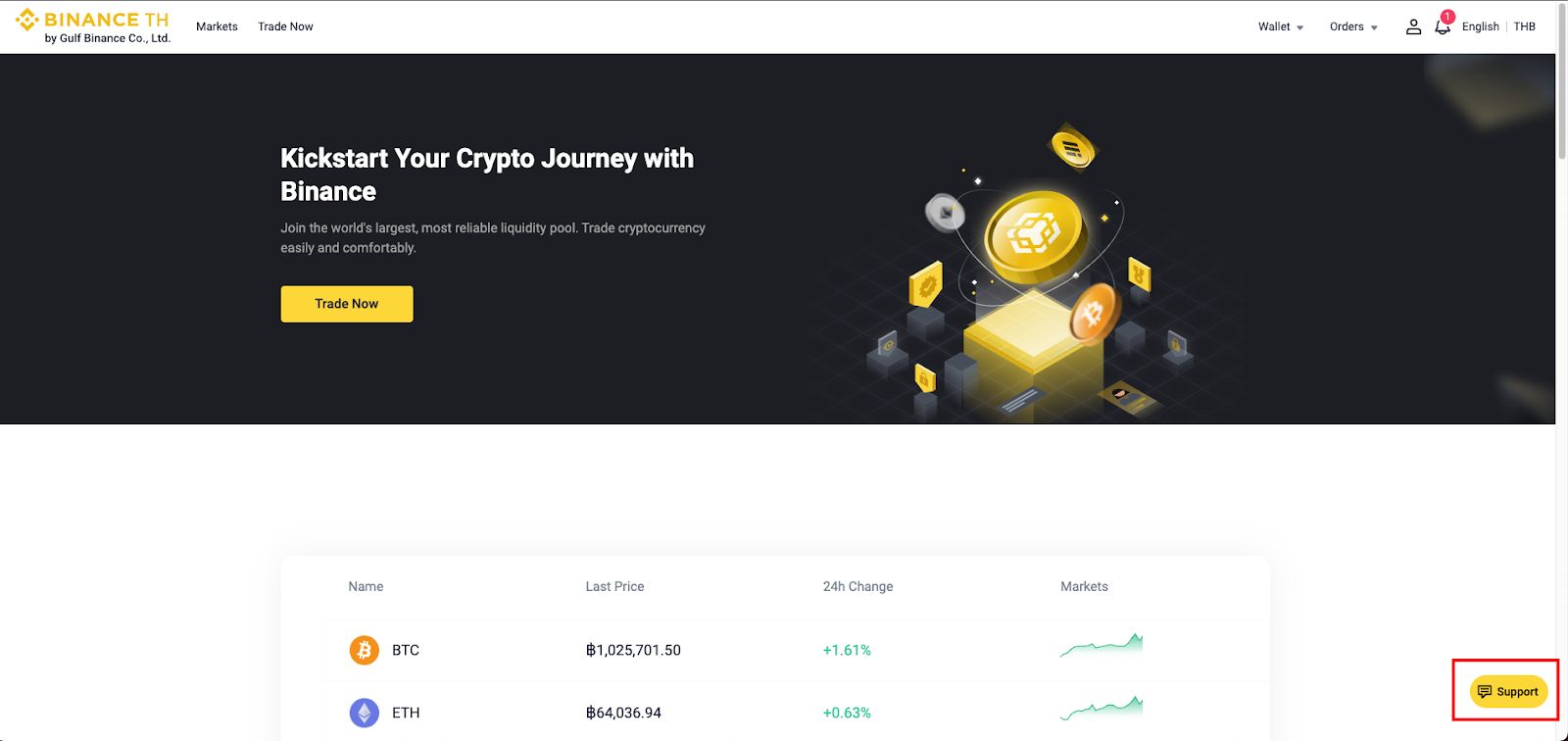
You can contact Customer Support by logging into your account and clicking the support icon in the bottom right corner.