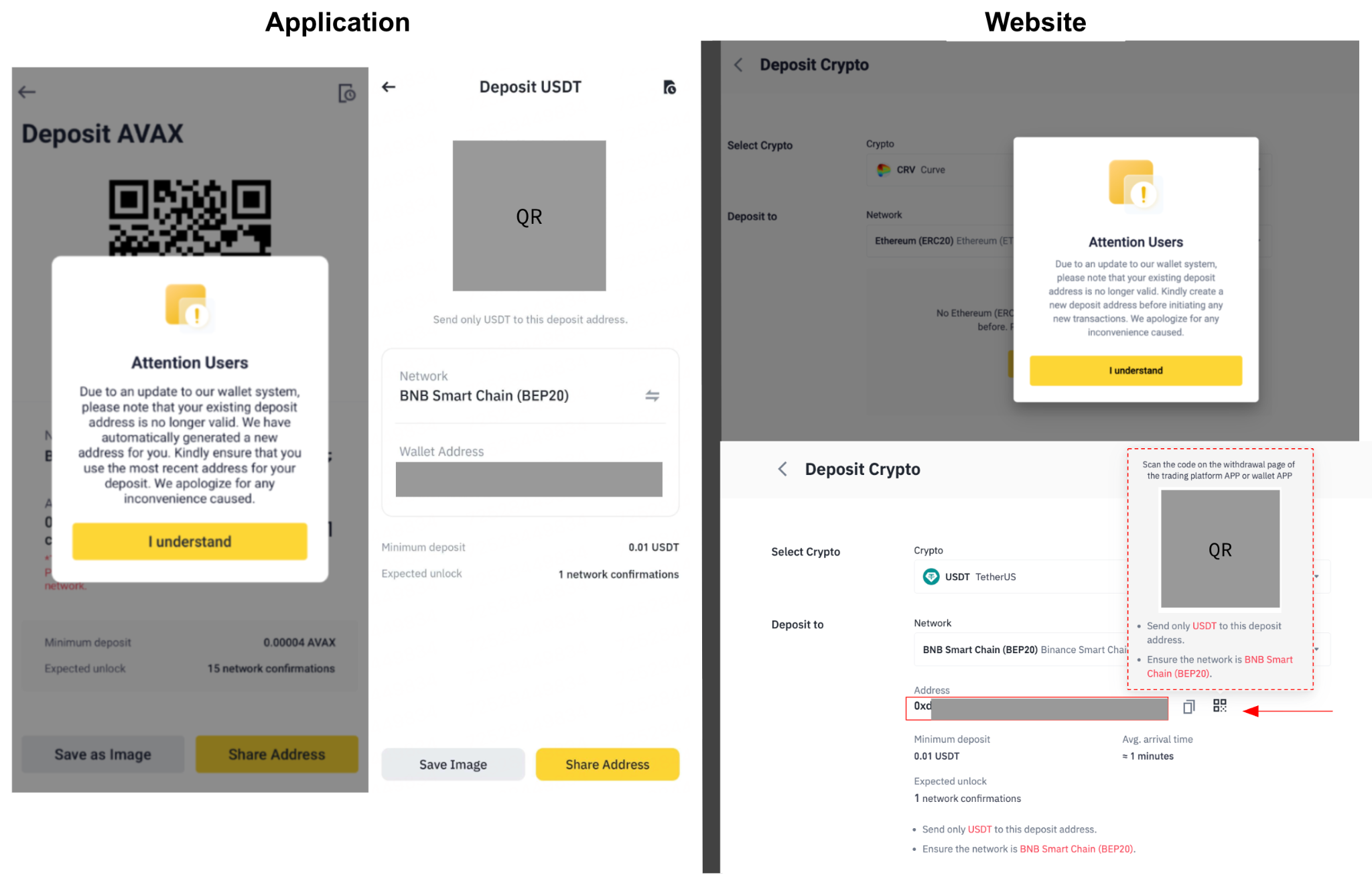
How to obtain a new deposit address?
2024-08-27 • 1 min read

1. Log in to your Binance TH by Gulf Binance account and go to [Deposit] - [Deposit Crypto]
2. Select the coin and network; if there is no existing address, you can generate one by clicking the [Get Address] button.
Note: If you have an existing address that belongs to [old address], the system will display a notice message informing you of the new address generation.